Murder Mystery 2 Scripts: pick your next feature
Looking for Auto Farm, role ESP or a script without a key? Start with the catalog above. Each Murder Mystery 2 script card brings together its features, code, key requirement and the last check date. You can jump straight to the listings instead of reading the whole guide first. Pick a feature, open a script and see what its menu actually offers.
MM2 Scripts, Roblox Cheats and Hack searches often lead to the same projects. Those labels are a starting point, not a useful comparison on their own. One menu focuses on farming, another on ESP, and another mixes several tools. The script card helps you tell them apart without relying on a video thumbnail shouting BEST. Already know the project name? Put it in the search box and save yourself some scrolling.
Find an MM2 script that fits your search
Start with one job. Look for Auto Farm when you want farming features, ESP for extra information on screen, or Teleport and Movement for movement tools. Adding every filter at once can hide useful results. Choose the main feature first, then narrow the list by No Key or a named executor. Search checks the whole catalog in your language, including listings throughout the homepage.
Cards show the description, features and code together. Compare two or three cards using the same question. If your interest is coin farming, ten unrelated visual effects do not make a menu a better match. Check the feature description, key requirement and date together. Keep the page link if you want to return later; it is easier than trying to remember which nearly identical video title led you there.
| Name | Look for |
|---|---|
| Innocent | Survive and help identify the murderer. |
| Sheriff | Work with the innocents to stop the murderer. |
| Murderer | Avoid identification and eliminate the other players. |
Auto Farm in Murder Mystery 2: coins and options
Auto Farm is a common label in script menus, usually describing repeated actions such as collecting coins. The exact behavior depends on the project. One description may talk specifically about coins, another about moving between locations, and another may barely explain the feature. A matching button name does not mean every script performs the same actions or has the same settings.

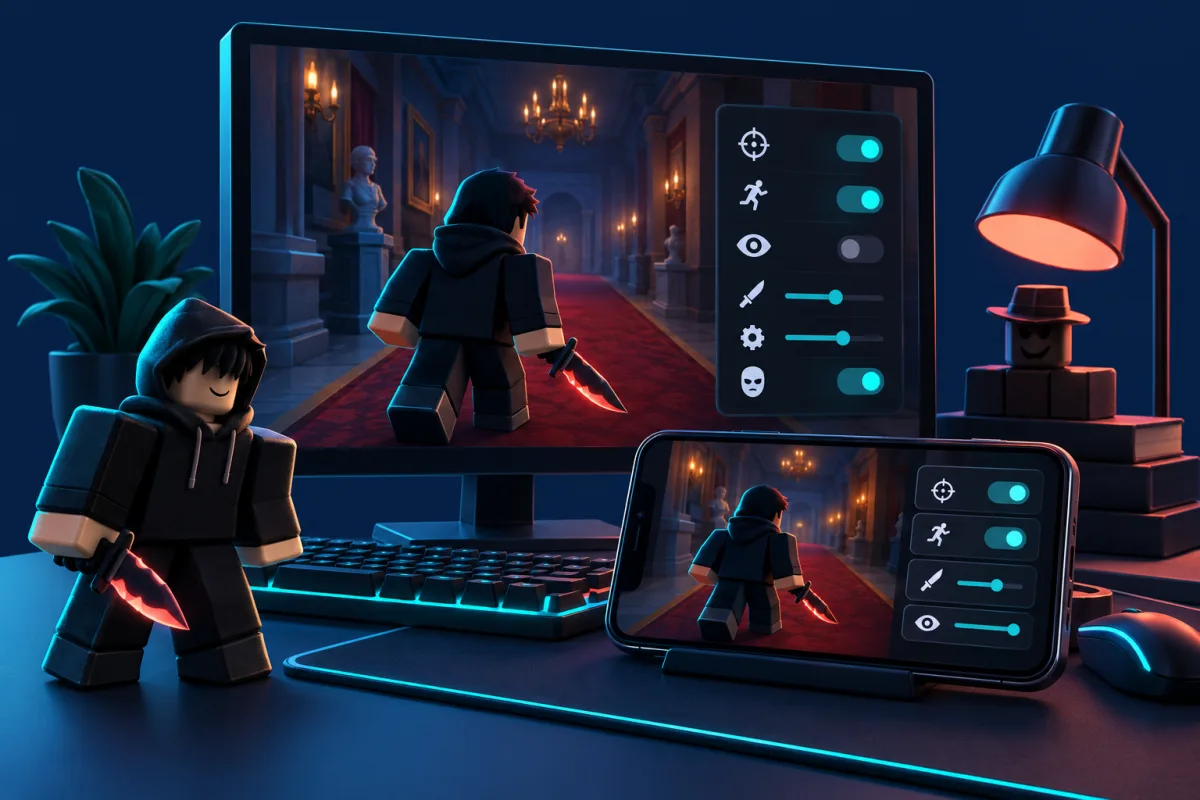
Read what the page says Auto Farm does. Does it name the target activity? Are separate options listed? Is there anything you need to know before choosing it? Check the description for the options you want to use. The artwork at the top of this site is a concept menu, too, not a promise about every listing. Save a couple of relevant script cards and compare their actual descriptions rather than collecting unrelated links from comment sections.
| What to check | Look for |
|---|---|
| Name | Project name |
| Key | Requirement of the script itself |
| Status | Working |
| Date | Last checked |
| Device | Read the device notes |
MM2 ESP: players, roles and items
ESP usually means extra information displayed over the game view. Descriptions might mention player highlights, role information, distances or item markers. These are different features, so the word ESP alone is not enough. If you want role information, check for a specific description of Role ESP. Highlighting every avatar and identifying a murderer are different claims, even when both make a screenshot look colorful.
The game has three roles: Innocent, Sheriff and Murderer. Knowing those names makes script menus easier to read. Gun ESP describes a display feature, while Auto Gun Pickup refers to collecting the weapon; do not treat them as interchangeable search terms. Start with the ESP category, then read the full feature list. If a page gives very little detail, keep that gap in mind instead of borrowing promises from another project’s video.
Aimbot, Silent Aim and Teleport explained
Aimbot and Silent Aim often appear next to each other in Cheats searches, but they are not simply two names for the same feature. Authors use them for different aiming behavior. The description of the specific script matters more than a screenshot full of switches. A category can get you to the right subject; it cannot explain how every project uses that label.
Teleport, Fly, Speed and Jump are movement features. Some menus group them under Movement, while others put them on separate tabs. Auto Gun Pickup is another distinct claim, even if a video makes it look similar to teleporting. Search for the feature you actually mean. A broad phrase such as “Hack with everything” mixes projects with very different menus. One clear filter usually gets you closer to the right page than a long string of unrelated keywords.
Murder Mystery 2 No Key: what needs a key?
No Key means the script itself is marked as not requiring an activation key. Use that filter if you want to compare scripts without an extra key system. Check the No Key label and any activation instructions before choosing a script. You can still open the full page to see any extra details supplied for that project.
An executor is a separate application, and it may have its own key requirements. A no-key script therefore does not automatically make the whole setup keyless. The label also does not establish the price of every connected service. Keep activation keys separate from your Roblox password and session cookies. Neither is needed to read this catalog or send a report. If you have a question about a listing, its name and a short description are enough to get started.
MM2 Scripts for Delta, Xeno and Solara
Choose Delta, Xeno or another executor in the filter and compare matching cards. Check the device and version too; a program name alone is not enough. Do not guess compatibility from a similar menu. Read the description and device requirements. If a detail is missing, ask through the contact form.
The executor’s name does not answer every question about your setup. Versions, devices and the script author’s notes still matter. Mentioning Delta does not make a listing a universal mobile option, and a Xeno or Solara label does not confirm every release. Check the requirements for your own device and version. Instead, each script card keeps its features, key setting and listed executors together so you can compare them without opening a pile of unrelated download pages.
Mobile or PC: check the details first
Search results often use Mobile, Android, iOS and PC as if they were interchangeable. They are not. An Android phone, an iPhone and a Windows computer are different environments, and a useful description should say which one it means. If the only information is an executor name, that does not settle device support. Check the details before downloading something just because its headline includes the word mobile.
The website itself works on a phone or desktop. On small screens, open the filters when you need them, scroll long code inside its block and switch language from the header. That makes the catalog easier to browse; it is not a compatibility promise for every script. If a page is hard to use, report its URL and what went wrong. Your browser and screen size can help us fix a layout issue. Your account password cannot.
Where to find Murder Mystery 2 Scripts code
All MM2 scripts appear on the homepage. Each card shows its description, features and DOWNLOAD button, followed by the code and Copy button. Copy works immediately. To save a .lua file, click DOWNLOAD: the download page waits 15 seconds, then reveals Download .lua for the script you selected. Nothing starts downloading automatically, and the website does not run the code. You can return to the catalog and compare other scripts whenever you like.
Sometimes the code is a short loadstring that points somewhere else rather than a full script body. That line does not reveal everything the remote address could serve later. A host name such as Pastebin also does not identify the author on its own. If code is missing or access has been withdrawn, the page says so. There is no hidden code button behind an advertisement. Available actions are next to the code, and the report link is there for broken sources.
An MM2 script stopped working: what to check
An update to the game, executor or script can change how a familiar menu behaves. Start by revisiting the page where you found the code. Check the project name, status and date; similarly named scripts are easy to mix up. Check the script name, date and executor compatibility. Some features may temporarily stop working after Roblox or script updates. If your device is not mentioned, do not assume it is supported.
Next, describe the actual problem. Does the website fail to open? Is the code section empty? Is the loader address unavailable? Does a menu appear but one feature behave differently? Those are different issues, and a specific report helps much more than “broken.” Include the page link, relevant executor and what you observed. Do not attach executables or send passwords and cookies. Reports are private messages for reviewing a page, not automatically published reviews or ratings.
Roblox Cheats and Hack: look beyond the headline
Cheats, Hack and Scripts are common words in searches and video titles. They tell you the broad topic, but very little about a particular project. An “Ultimate Hack” might have a tiny menu, while a modestly named script could list exactly the feature you were looking for. That is why this catalog is organized around features such as Auto Farm, ESP and No Key rather than the loudest promotional title.
We do not promise “100% safe,” protection from bans or permanent uptime. Third-party scripts can break Roblox rules, and unknown code deserves care. A useful catalog can still keep things straightforward: visible dates, clear filters and code actions where you expect them. Visit the status page for listing states or use the short guides below to untangle a term. The language menu takes you to the same page when its translation is available, so you do not have to start your search over.
Quick answers before you pick
Are all Murder Mystery 2 Scripts the same?
No. Similar-looking menus can have different features and key requirements. Pick a task first, then compare the full description, date and named executors. The project name helps you find a page; it does not tell you everything that page contains.
Where can I find MM2 Auto Farm?
Use the feature filter when matching scripts are available. For coins, read the precise Auto Farm description because the label can cover different actions. If you get no results, clear the other filters before assuming there are no relevant listings.
Does No Key mean no keys anywhere?
No. It describes the script, while the executor can have different requirements. Check them separately. Your Roblox password is not an activation key, and you should not send it through this site’s form or include it in a bug report.
How do I choose Murder Mystery 2 ESP?
Compare the information each script says it displays: players, roles or items. Role ESP and Gun ESP answer different needs. Open the complete listing, since the compact card may show only the first three features.
Do MM2 scripts support Delta, Xeno and Solara?
Choose Delta, Xeno or another executor in the filter and compare matching cards. Check the device and version too; a program name alone is not enough. Do not guess compatibility from a similar menu. Read the description and device requirements. If a detail is missing, ask through the contact form.
How do I download a script?
All MM2 scripts appear on the homepage. Each card shows its description, features and DOWNLOAD button, followed by the code and Copy button. Copy works immediately. To save a .lua file, click DOWNLOAD: the download page waits 15 seconds, then reveals Download .lua for the script you selected. Nothing starts downloading automatically, and the website does not run the code. You can return to the catalog and compare other scripts whenever you like.
Continue reading: How to use the site · Murder Mystery 2: pick a script · Delta, Xeno and Solara: mobile or PC · Script not working? Start here · Report a problem.